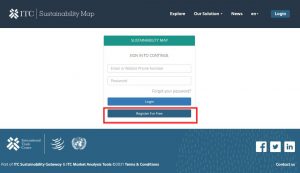
Go to “www.sustainabilitymap.org/login” and click on the button “Register for Free”
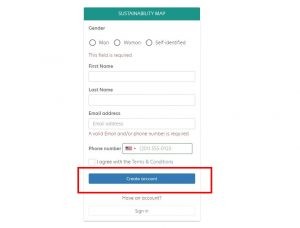
Fill in the data fields and click on “Create Account”
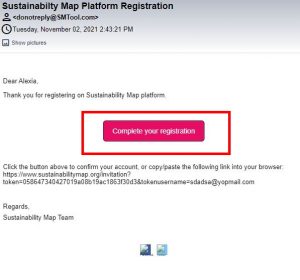
Go to your email account and open the registration email sent to you (make sure to check your spam folder in case you do not find it) Click on the button “Complete your registration”.
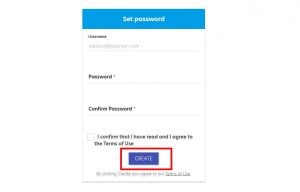
Enter a password which is at least 8 characters long.
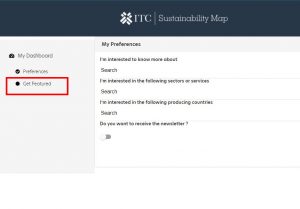
Once you arrive in your dashboard, set your preferences, or directly click on the “Get featured” option on the left hand-side menu.
Select a profile which best matches your business.

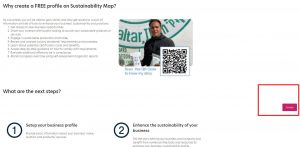
Review the next steps and click on Next.
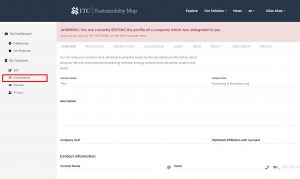
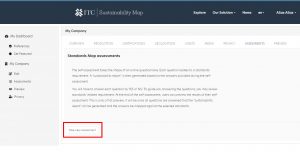
Initiative the assessment by clicking on the assessment button on the left hand menu.
Review the guidance text and proceed to the next step by clicking on “Next”.
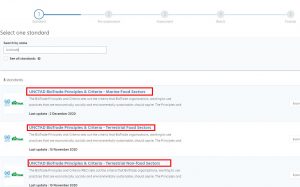
Select the sector which matches best your businesses’ activities.
Go through the questionnaire, answering each and every question. The questionnaire is organised by sustainability theme and sustainability topic. Click on “Save and Continue” after completing the questions assigned to a specific sustainability topic.
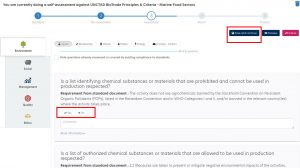
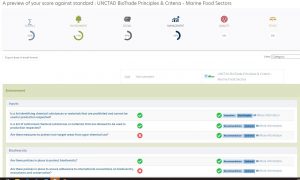
At any point in time, you may review your sustainability performance by clicking on “Preview”. Once you have completed the assessment, click on “Finalize”. You may stop in the middle of the assessment and come back to continue it at a later stage.